Guides for self-taught developers
DevHazch: practical web development and coding guides
DevHazch is an independent site about building websites and learning to code. Articles explain one topic at a time, with code you can try and links to the official documentation behind each claim.
HTML Basics for Beginners: Tags, Structure and Your First Page
HTML is the language that gives a web page its structure. It marks up headings, paragraphs, links, images and lists, so a browser knows what each part of the page is and…
Pick up where it clicks
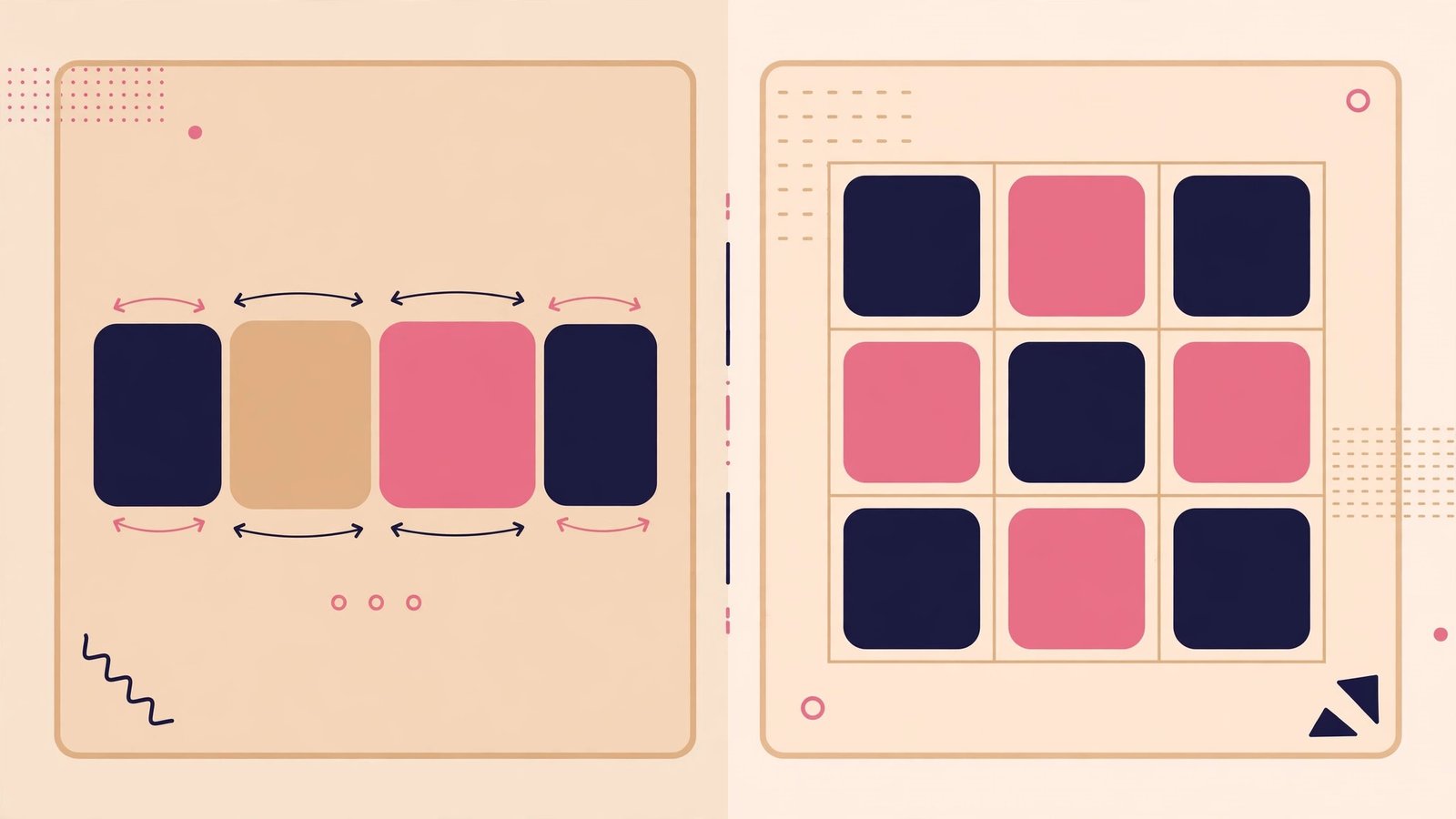
CSS Flexbox vs Grid: When to Use Each One
Flexbox and Grid are both CSS layout systems, and the choice between them comes down to how many directions you need to control. Flexbox lays items out in one direction…
JavaScript Basics: Variables, Data Types and Functions
JavaScript adds behaviour to a web page. HTML gives the page structure, CSS gives it appearance, and JavaScript lets the page respond: it can change text when a button…

Responsive Web Design: Mobile-First Layouts That Work
Responsive web design means one page adapts to different screen widths, instead of needing a separate version for each device. The same HTML is used, and CSS changes the…
01 / CategoryWeb Development
HTML, CSS, JavaScript and layout, one topic at a time.
02CSS Flexbox vs Grid: When to Use Each OneFlexbox and Grid are both CSS layout systems, and the choice between them comes down to how many directions you need to control. Flexbox lays items out in one direction…03JavaScript Basics: Variables, Data Types and FunctionsJavaScript adds behaviour to a web page. HTML gives the page structure, CSS gives it appearance, and JavaScript lets the page respond: it can change text when a button…04Responsive Web Design: Mobile-First Layouts That WorkResponsive web design means one page adapts to different screen widths, instead of needing a separate version for each device. The same HTML is used, and CSS changes the…05Semantic HTML Tags and Why They Help AccessibilitySemantic HTML means choosing elements by what the content is, instead of by how it should look. A navigation block goes in a nav element, the main content of a page goes… 06The CSS Box Model Explained With Real ExamplesEvery element on a web page is treated as a rectangular box. That box has four layers: the content in the middle, padding around the content, a border around the…
02 / CategoryCoding Tutorials
Python, APIs, debugging and the habits that make learning stick.
 02Python variables and data types, plainly explainedA variable in Python is a name that holds a value, so a program can use that value later without typing it again. You create a variable by writing a name, an equals…
 03Python if, elif and else: make decisions in codeA condition in Python lets a program run one block of code and skip another, based on a test that is true or false. The if statement holds the test, and the indented…
 04Python loops: for and while, with practical examplesA loop in Python repeats a block of code instead of asking you to write the same lines again. A for loop repeats over a known set of items, such as names in a list or…
 05Python functions: write code once and reuse itA function in Python is a named block of code that runs when it is called, and can be called again from other parts of a program. You define a function once, give it a…
 06Python lists and tuples: when to use each oneA list is an ordered collection that you can change after you create it. A tuple is an ordered collection that you cannot change after you create it. That one difference…
03 / CategoryTools & Guides
Git, GitHub, VS Code, DevTools and the command line.
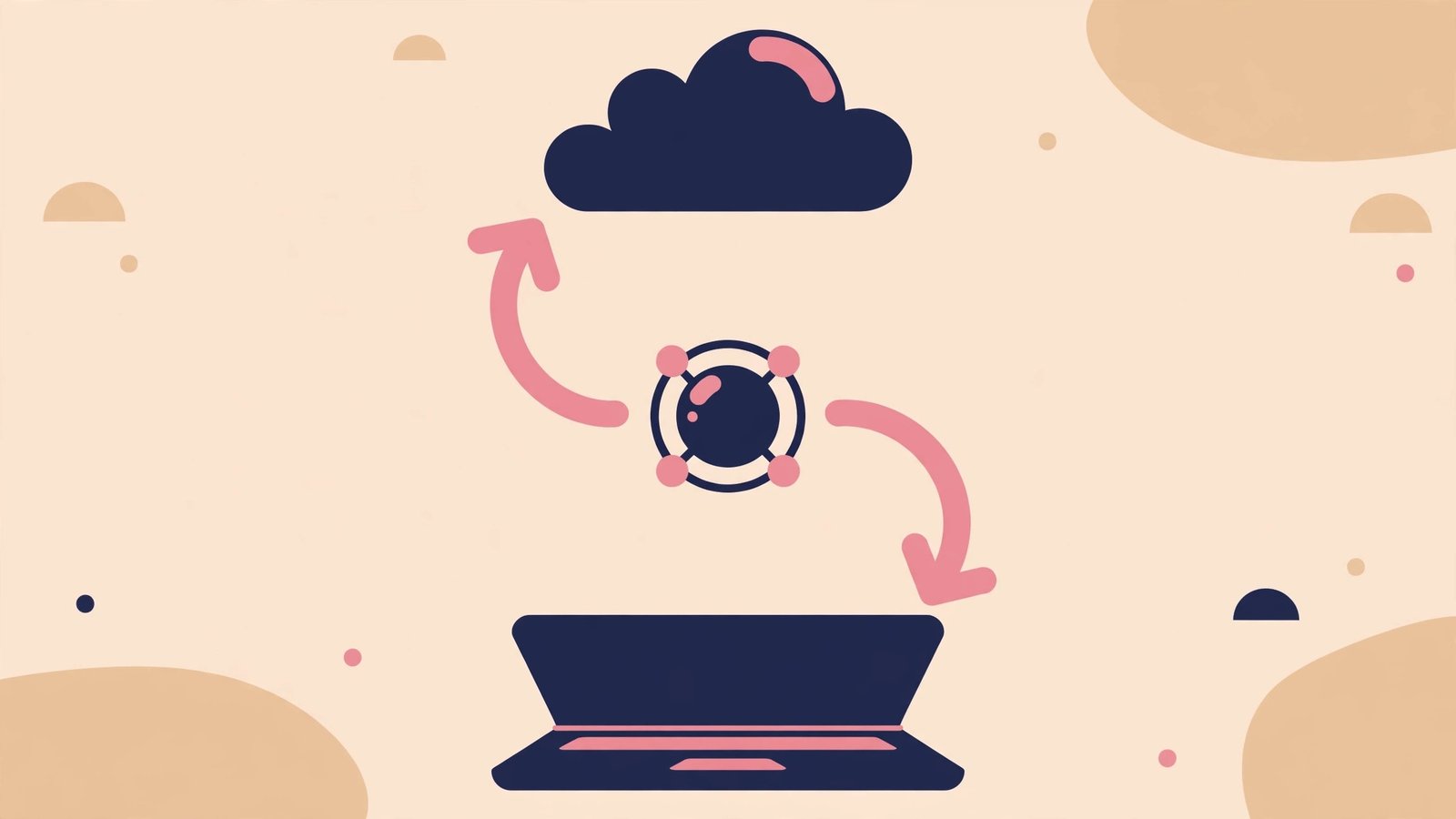
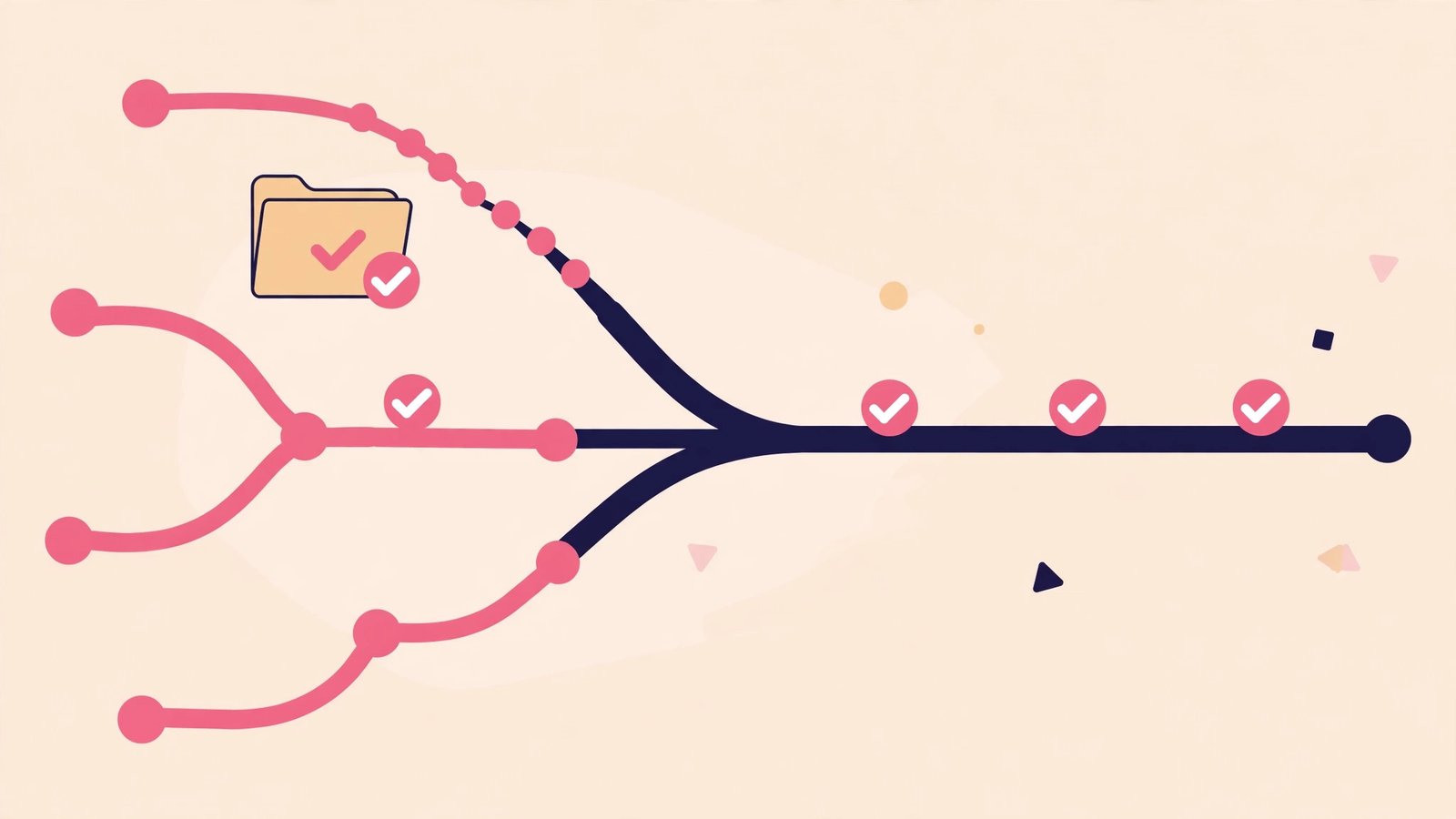 02GitHub basics: push, pull and clone without confusionGit runs on your computer. GitHub is a website that can hold a copy of a Git repository, so the history exists in more than one place and other people can work with it.
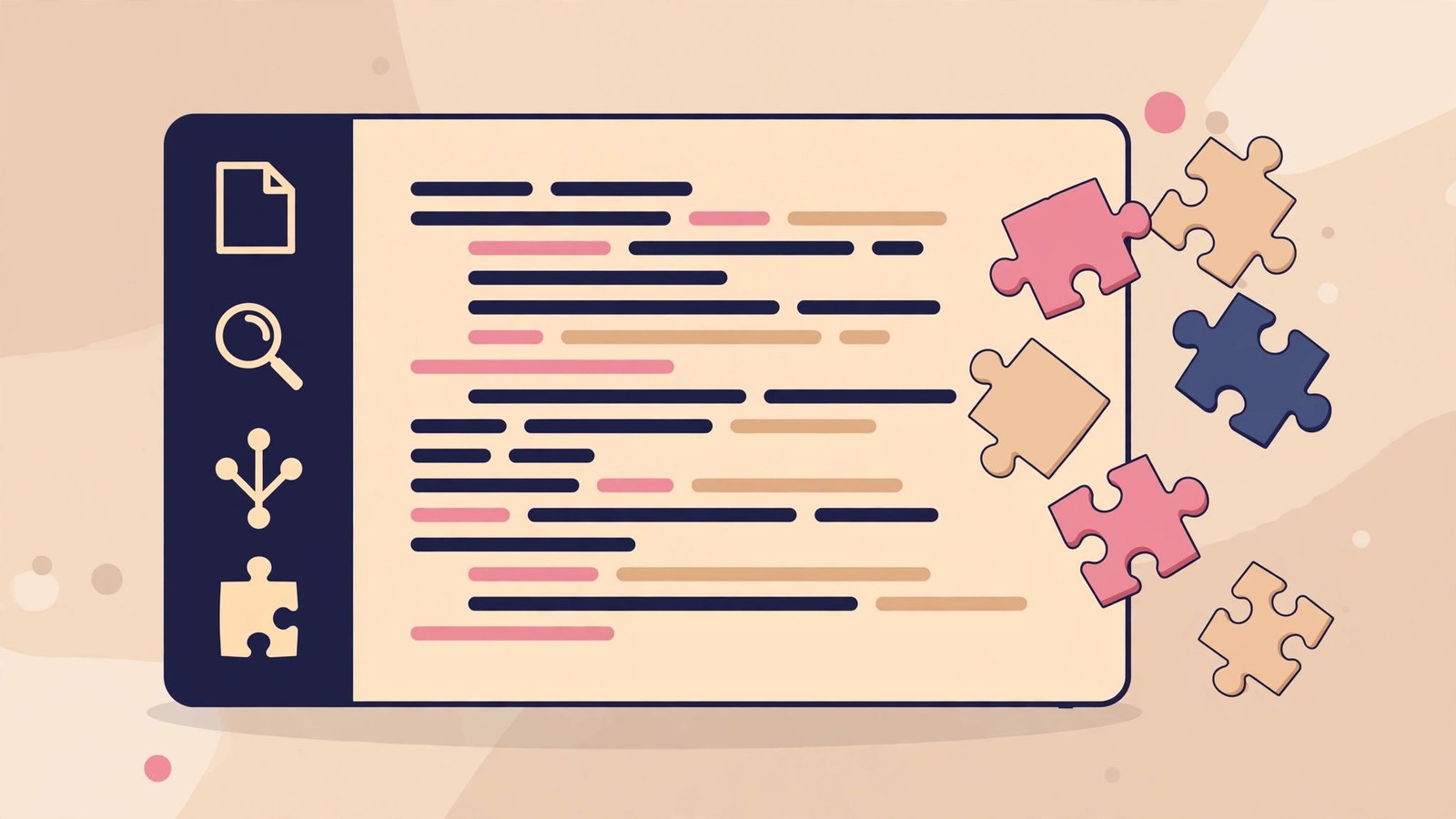
 03VS Code setup: settings and extensions for beginnersVisual Studio Code, usually called VS Code, is a free code editor. It works out of the box for writing and editing code, and a small set of settings and extensions can…
 04Git branches and merge: work without breaking mainA branch is a separate line of work inside one repository. It lets you try a change, fix a bug, or build a feature without changing the main line until the work is ready.
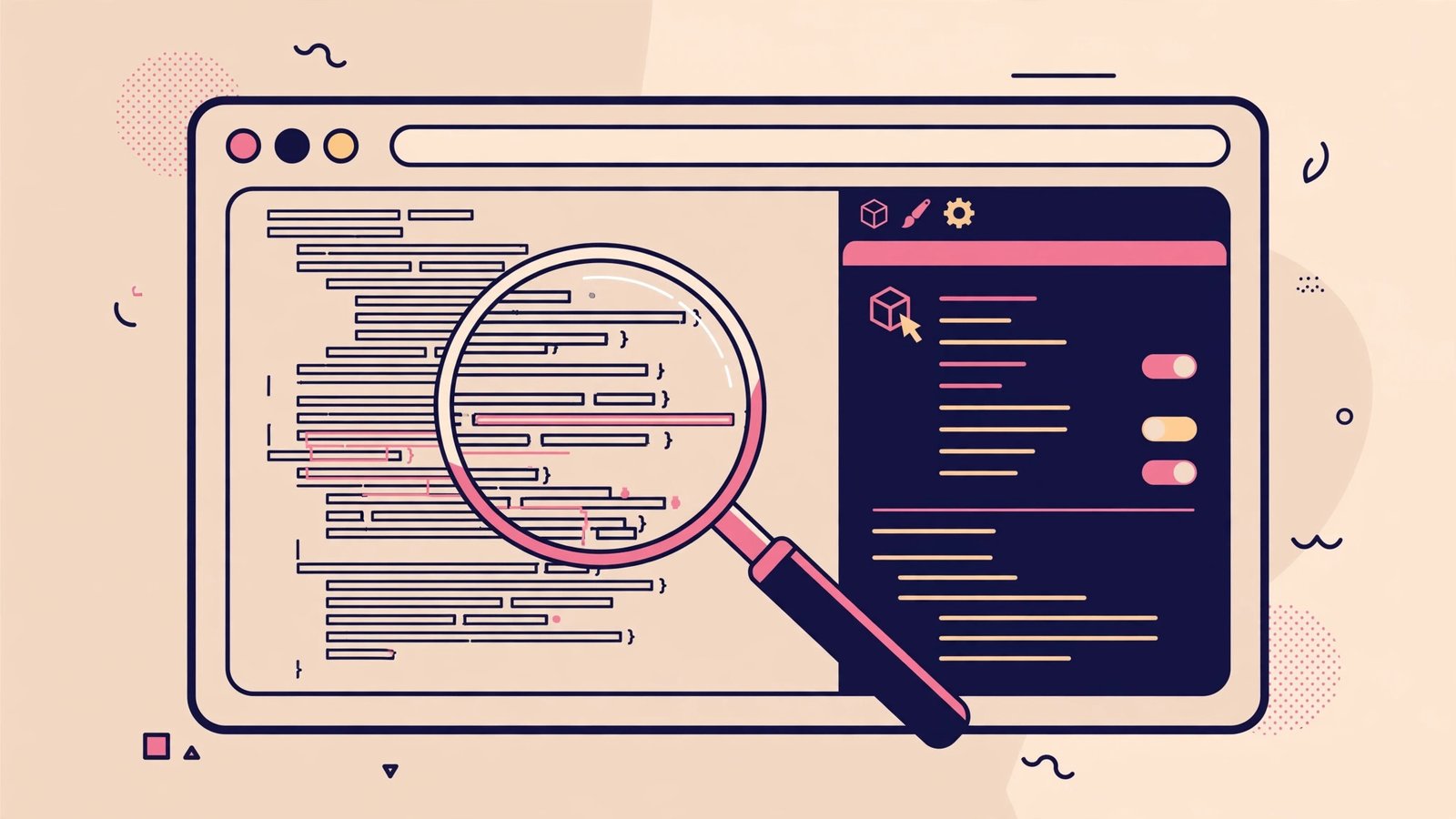
 05Chrome DevTools: find layout and JavaScript problems fasterChrome DevTools is a set of tools built into Chrome for inspecting and debugging web pages. It lets you look at the HTML, CSS, and JavaScript behind a page, test changes…
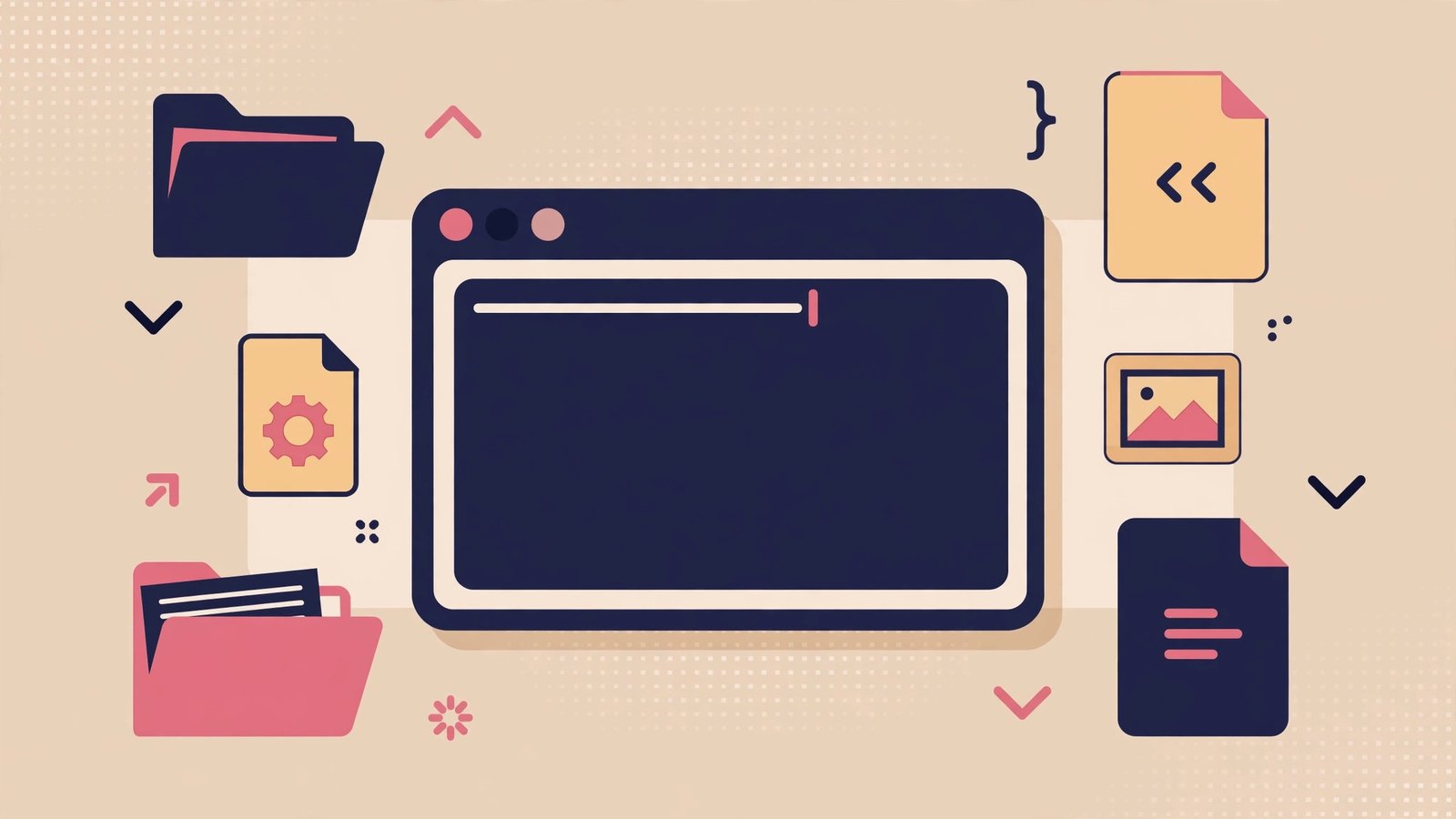
 06Command line basics: files, folders and navigationA terminal is a text window where you type commands instead of clicking through folders. The command line, also called a shell, reads each command, runs it, and prints…
One practical guide a week
One practical coding guide a week, straight to your inbox. No spam.
This form does not subscribe you yet: the working signup list is set up at launch. By subscribing you agree to the Privacy Policy. You can unsubscribe at any time.