JavaScript Basics: Variables, Data Types and Functions
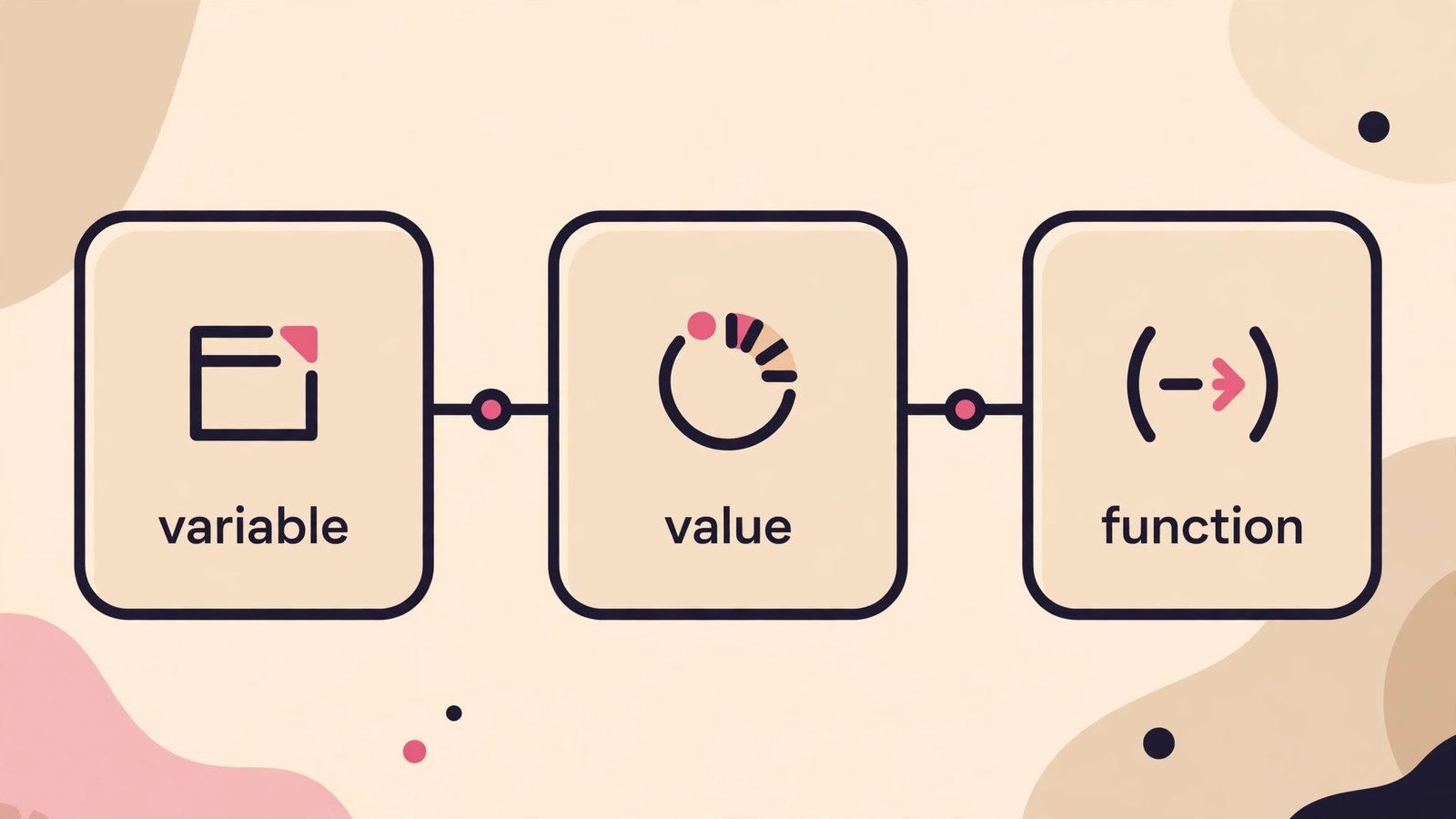
JavaScript adds behaviour to a web page. HTML gives the page structure, CSS gives it appearance, and JavaScript lets the page respond: it can change text when a button is clicked, check a form before it is sent, or show data that arrives after the page loads. At the heart of that behaviour are three ideas. Variables store values, data types describe what kind of value is stored, and functions group reusable steps under a name.
This guide covers those three ideas with short examples you can read line by line. It does not assume you know another programming language, but it does assume you have seen a basic HTML page. The guide to HTML basics is a good place to start if the idea of an element and a tag is still new, because JavaScript often works by finding an element and changing it.
Variables: storing a value under a name
A variable is a named container for a value. You declare it, give it a name, and assign a value with the equals sign. The name should describe the value, so a reader can guess what it holds without reading every line around it. A name such as totalPrice is clearer than a single letter, except in a very short loop where the meaning is obvious from context.
JavaScript offers three declaration keywords, and they differ in scope and reassignment. A variable declared with const cannot be reassigned to a new value, though the contents of an object stored in a const variable can still change. A variable declared with let can be reassigned. A variable declared with var is function-scoped instead of block-scoped, and it can be redeclared in the same scope, which makes accidental overwrites easier. Modern guides generally recommend const first and let where reassignment is needed.
const siteName = "DevHazch";
let visitCount = 0;
visitCount = visitCount + 1;
In this example, the site name never changes, so const fits it. The visit count starts at zero and increases, so let fits it. Trying to reassign siteName to a different string would cause an error, and that error is useful: it catches a change that was probably a mistake. Choosing const by default turns many accidental changes into visible errors instead of silent bugs.
Data types you will meet first
Every value in JavaScript has a type. The types most beginners meet first are strings, numbers, booleans, null, undefined and objects. A string is text in quotes, a number is a numeric value, and a boolean is true or false. The value undefined means a variable has been declared but has no assigned value yet, while null is a value assigned deliberately to mean no value. Other primitive types, such as symbol and bigint, exist in the language, but they appear less often in early code.
| Type | Example | Used for |
|---|---|---|
| String | "Hello" | Text, names, messages |
| Number | 42 | Counts, prices, measurements |
| Boolean | true | Yes or no conditions |
| Undefined | A declared variable with no value | A value that has not been set yet |
| Null | null | An intentional empty value |
| Object | { name: "Sara" } | Grouped data with named properties |
Type matters because operations behave differently by type. Adding two numbers gives a sum, while adding a string and a number joins them into a longer string. That joining is called concatenation, and it surprises beginners when a value that looks like a number arrives as text from a form input. Checking the type of a value, or converting it explicitly before doing arithmetic, prevents that class of error. The typeof operator reports the type of a value, and it is a quick check when a result looks wrong.
Functions: steps with a name
A function is a block of code that runs when it is called, instead of when the page loads. It can take inputs, called parameters, and it can return a value with the return statement. Giving a block of steps a clear name makes the calling code read like a description of what happens, instead of a list of low-level steps. A function named greet tells a reader more than the same lines written inline without a name.
function greet(name) {
  return "Hello, " + name;
}
const message = greet("Sara");
Without a return statement, a function still runs its steps, but it returns undefined, which is a common source of confusion. If a function is supposed to produce a value, check that it has a return statement on every path that should produce one. Functions also create scope. A variable declared inside a function is normally visible only inside that function, which keeps different parts of a program from interfering with each other.
A worked example: a simple total
A function can take a list of numbers and return their total, and the calling code can then display that total. Breaking the job into a function keeps the addition logic in one place, so fixing it or reusing it for another list does not mean copying the same loop into several places.
function total(prices) {
  let sum = 0;
  for (const price of prices) {
    sum = sum + price;
  }
  return sum;
}
const basket = [12, 8, 20];
const basketTotal = total(basket);
The function starts a running total at zero, walks through each price in the list, adds it to the running total, and returns the final total when the list ends. The variable sum lives inside the function, so it does not clash with a variable of the same name elsewhere. That isolation is a practical benefit of functions, and it grows more valuable as a program grows.
Common mistakes
A frequent mistake is using a variable before it has a value, which gives undefined instead of an error in some cases. Reading undefined in output is a hint to check whether the variable was assigned, whether the name is spelled the same way in both places, and whether the code that assigns it has actually run yet. Spelling differences are a classic cause, because JavaScript treats totalPrice and totalprice as different names.
Another mistake is reassigning a const variable and being surprised by the error. That error is doing its job, and the fix is usually to use let for that variable, or to rethink whether the value should change at all. Beginners also sometimes write a function that logs a result instead of returning it, then try to use the result elsewhere and get undefined. Logging is useful for checking a value during development, but it does not pass the value back to the caller.
Where this does not apply
Variables and functions alone do not make a page interactive. To change page content, JavaScript needs to find elements in the document and update them, which is the subject of DOM manipulation, a later topic. To get data from a server, JavaScript needs to make a request and handle the response, which is the subject of the Fetch API guide. This guide covers the language building blocks that those topics rely on, and it deliberately leaves those next steps for their own guides.
JavaScript also does not run in the same way everywhere without care. Code that works in a browser console may need adjustment in a different environment, and browser differences still exist for newer features. The official documentation for a feature is the right place to check its behaviour and its requirements. The CSS Flexbox and Grid guide and the responsive design guide cover the layout side of a page, while this guide covers the behaviour side at a basic level.
Worked example: a small price calculator
A price calculator ties variables, data types and functions together in one short program. Start with the price of one item and the number of items, then write a function that returns the total. Keep the inputs as numbers, not as text, because a total built from text strings joins the digits together instead of adding them. That single type mistake is behind many beginner bugs, and it is worth seeing once in a small example where the cause is clear.
const price = 12;
const quantity = 3;

function total(price, quantity) {
  return price * quantity;
}

console.log(total(price, quantity)); // 36
Change the quantity and run the code again to see the total change. Then try passing a string, such as "3", as the quantity, and look at what the multiplication returns. JavaScript converts the string to a number for multiplication, which can hide the mistake. Try the same string with addition instead, and the result shows the problem plainly, because addition with a string joins rather than adds. That contrast is a useful lesson in why the type of a value matters as much as the value itself.
Extend the calculator with a second function that applies a discount. Keep each function doing one job, so the total function stays simple and the discount function can be tested on its own. When a result looks wrong, you can then check each function separately instead of untangling one long block of code that does everything at once.
Let, const and var in practice
Modern JavaScript code uses const for values that will not be reassigned and let for values that will change. A price that stays fixed through a calculation is a good fit for const. A running total that grows inside a loop is a good fit for let. The older var declaration still appears in old code and old tutorials, but it follows scoping rules that surprise most beginners, so new code should avoid it.
const siteName = "DevHazch";
let visitCount = 0;
visitCount = visitCount + 1;
One point confuses beginners: const stops reassignment of the variable, but it does not freeze the contents of an object or an array held by that variable. You can add an item to a const array, and you can change a property of a const object. What you cannot do is point the variable at a different array or object. That distinction matters when you read code that declares a list with const and then adds to it, because the code is correct even though it looks at first glance like it breaks the rule.
Scope is the other half of the story. A variable declared inside a function is not visible outside it, and a variable declared inside a block with let or const is not visible outside that block. Keeping variables close to the code that uses them makes a program easier to follow, because a reader does not have to search the whole file to find where a value was set.
Functions that return values and functions that do things
Some functions return a value for the caller to use, and some carry out an action such as writing to the page or logging a message. The price calculator function returns a total, so the caller can store it, print it, or pass it to another function. A function that shows a message does its work and returns nothing useful, so the caller simply calls it and moves on. Mixing the two jobs in one function is a common source of confusion, because the caller cannot tell from the name whether to expect a value back.
function greet(name) {
  return "Hello, " + name;
}

const message = greet("Sam");
console.log(message);
Parameters are the inputs a function declares, and arguments are the values passed when the function is called. A function can declare a default value for a parameter, which applies when the caller passes nothing for it. Defaults make a function friendlier to call, but they should not hide a missing value that the caller actually needed to supply. If a discount function silently uses a zero discount when no discount is passed, a caller who forgot the argument gets a wrong total with no warning.
Arrow functions are a shorter way to write a function, and they appear often in modern code, especially for short callbacks. The syntax differs, but the core idea is the same: inputs go in, work happens, and a value may come back. Learn the standard function form first, then read arrow functions as the same idea written more compactly.
Reading errors in the console
Most beginner errors in JavaScript show up in the browser console, and learning to read those messages saves hours of guessing. A ReferenceError names a variable that was used before it was declared, or one whose name was typed with a spelling mistake. A TypeError often means the code treated a value as one type when it was another, such as calling something that is not a function. A SyntaxError means the code itself could not be parsed, often because of a missing bracket or a mismatched quote.
When an error appears, read the message and the line number together, then look at that line and the lines just above it. A missing closing bracket on one line is often reported on a later line, because the parser only notices the problem when it reaches code that no longer fits. Fixing the line the message names without checking the lines above can leave the real cause untouched.
Console logging is a simple debugging tool that stays useful long after the beginner stage. Log a variable just before the line that fails, and compare the logged value with the value you expected. If the two differ, the bug sits in the code that produced the value, not in the line that failed. That narrowing step turns a vague "it does not work" into a specific place to look.
Frequently asked questions
Should beginners use let, const or var?
Use const by default, and let when the value must be reassigned. Var is older and has function scope instead of block scope, so modern guides generally avoid it for new code, even though it still appears in older examples.
What is the difference between undefined and null?
Undefined means a variable has been declared but has no assigned value. Null is a value you assign deliberately to mean no value or empty. The distinction matters when you check whether data is missing, or whether it was set to empty on purpose.
When should code be put in a function?
Put code in a function when it is reused, when it has a clear job with inputs and an output, or when giving it a name makes the surrounding code easier to read. A function that does one job is easier to test and reuse than a long block of inline code.
Should I use let or const by default?
Use const by default, and switch to let only when the variable genuinely needs reassignment, such as a counter or a running total. That habit makes it clear at a glance which values stay fixed and which ones change during the program.
Why does adding two numbers sometimes join them as text?
That happens when one of the values is a string rather than a number. JavaScript joins a string and a number into a longer string when addition is used. Convert the input to a number first, for example with Number(), and check the type of each value before doing arithmetic.