Your first project checklist: plan, build and ship it
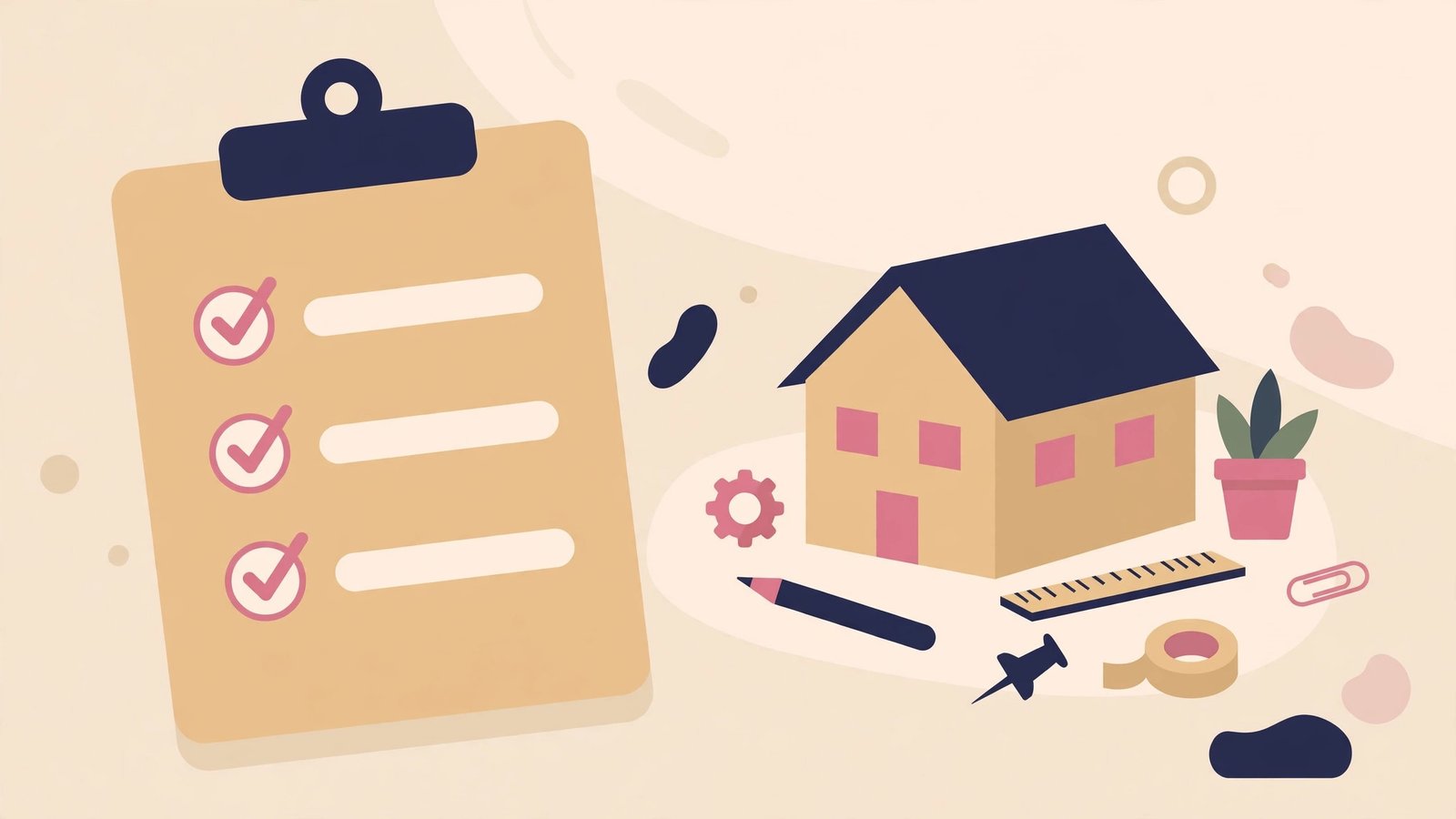
A first project works best when it is small, written down, and finished. Many beginners start with a large idea, build half of it, and then lose track of what is left. A short checklist fixes that problem by turning a vague idea into a short list of jobs that can each be marked done.
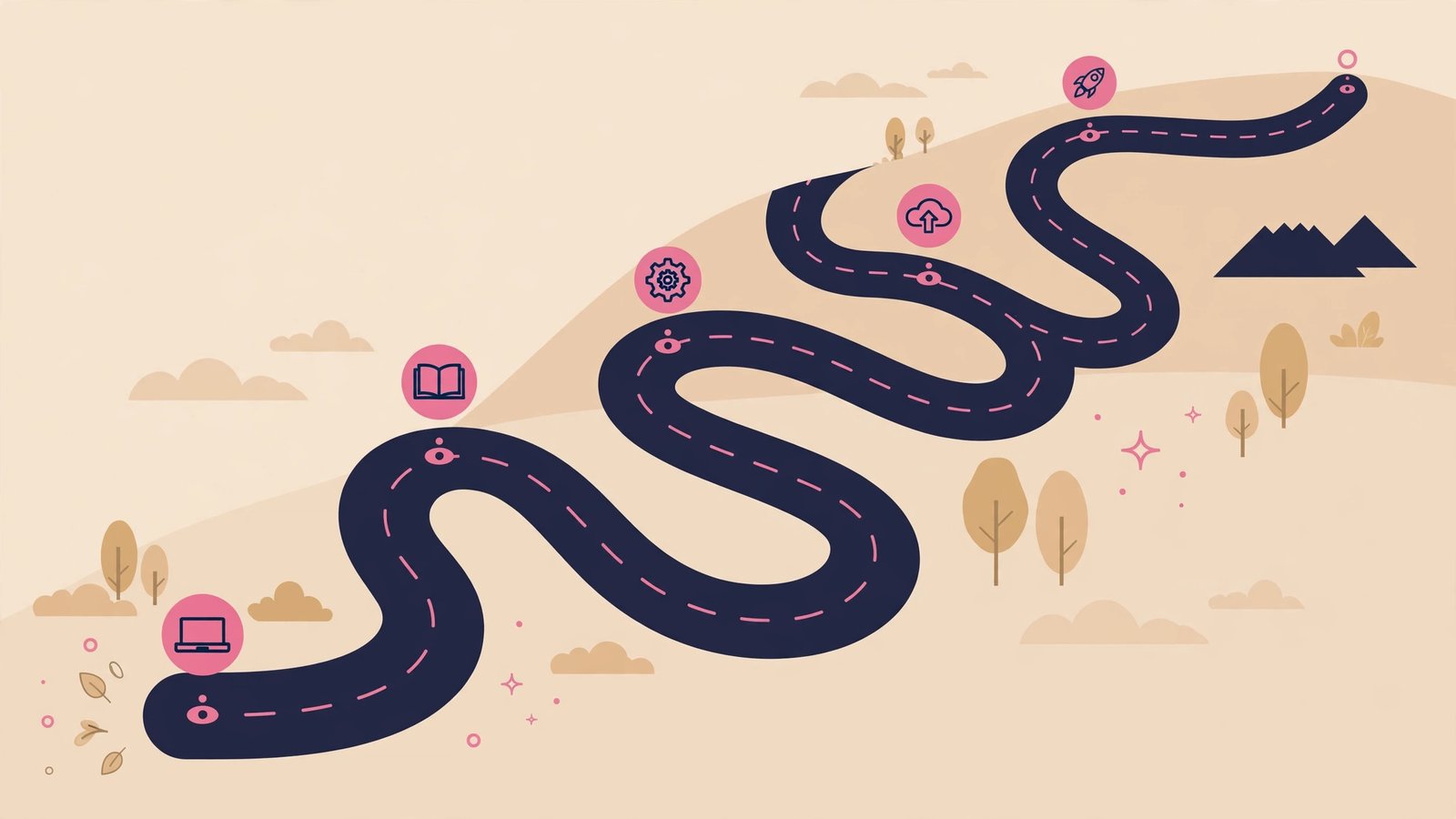
This checklist covers three stages: plan, build, and ship. Planning means choosing one job for the project and listing its pages or features. Building means writing the code in small pieces and testing each piece. Shipping means putting a working version somewhere other people can open, even if later ideas are still waiting.
Plan: choose one job and write it down
Start by writing one sentence that says what the project does for a visitor. A portfolio page shows work and a way to contact the owner. A recipe page shows ingredients and steps in a readable order. A small to-do page lets a visitor add, check off, and remove items. If that sentence needs several clauses to explain, the project is probably trying to do too much at once.
Next, list the pieces that sentence requires, and nothing else. A portfolio page needs a heading, a short introduction, a few project entries, and a contact link. It does not need a blog, a shop, or a login system in its first version. Extra ideas can go on a separate list marked for later, so they are not lost, but they do not block the first version.
Then sketch the layout on paper or in a plain text note. A sketch shows where the heading, text, images, and links sit on the page. It does not need to look polished. Its job is to stop mid-build redesigns, where a page is rebuilt three times because no layout was agreed first.
Build: work in small, testable pieces
Build the structure first, then the styling, then any interaction. For a web page, that order means HTML for the content and headings, CSS for layout and spacing, and JavaScript only where a page needs to respond to a visitor. Each stage can be opened in a browser and checked before the next stage starts, which keeps errors small.
Keep files in one project folder, with names that describe their contents. A folder with index.html, style.css, and script.js is easier to navigate than a folder with many files named test, final, and final2. The Git for beginners: your first repository and first commit guide shows how to record those files as they change, and A simple backup and version control workflow explains how to keep a second copy of that work.
my-first-project/
  index.html
  style.css
  script.js
Test as you go, not only at the end. Open the page after each new section, click each link, and submit each form with both correct and blank input. An error found right after the code that caused it is much easier to fix than the same error found after ten more sections were added.
Check before you ship
| Check | What it means in practice |
|---|---|
| Main job works | A visitor can complete the one job in the plan sentence |
| Links and forms | Every link opens, and every form shows an error or result |
| Phone screen | Text is readable and nothing needs sideways scrolling |
| Headings and text | Headings are in order, and text has no placeholder lines |
| Files and names | Images load, and file names match the links that point to them |
Work through this table on the actual built page, not from memory. A link that worked in a draft folder may break after files are moved, and an image that loaded locally may fail when the folder structure changes. A quick pass on the final files catches those moves before a visitor does. For layout problems found during this check, Chrome DevTools: find layout and JavaScript problems faster shows how to inspect the page in the browser.
Ship: put a working version live
Shipping means making the project openable from a link, not finishing every idea on the later list. A static site host can serve HTML, CSS, and JavaScript files from a folder, and the steps for that move are covered in Deploy a static website free: from local files to a live link. Once the link works, open it on a phone and on a larger screen, and check the same items from the table above on the live version.
After shipping, write a short readme note inside the project folder. It should say what the project does, how to open it locally, and what is still on the later list. That note helps a future version of yourself, and it helps anyone else who opens the project, because it records decisions that are easy to forget after a break.
Then add extras one at a time, with a new check after each one. A new section, a new page, or a small interaction is each a separate change. Shipping in small steps keeps the live version working while the project grows, instead of breaking it for a long rebuild.
Common mistakes
One common mistake is starting to code before writing the plan sentence. Without that sentence, every new idea looks equally important, and the project grows until it stalls. A short plan does not remove creativity, but it does give new ideas a place to wait.
A second mistake is saving all testing for the end. Errors pile up, and it becomes unclear which change caused which problem. Testing each section as it is built keeps the cause close to the symptom, which is the fastest way to fix most beginner errors.
A third mistake is treating shipping as a final exam. A first project does not need to be perfect to be useful. A working link, a readable page, and a clear main job are a finished first version. Later versions can improve it, and that improvement is easier once real use has shown what actually needs fixing.
Limits of this checklist
This checklist fits a small, single-person project. It does not cover team review, user accounts, payments, or private data, because each of those needs its own planning, testing, and security checks. A project that handles other people's data should not be shipped on the strength of this list alone.
It also does not guarantee that a project will be used or liked. A checklist can confirm that a page loads and works, but it cannot confirm that visitors want what it offers. That question is answered by showing the shipped version to real readers and listening to what they find confusing.
Finally, a checklist is only useful if it is actually worked through. Skimming it and assuming each item passed is not the same as opening the page and testing each item. The short time spent checking is the part that prevents the longer time spent fixing a live mistake.
Choose a project that fits one page of notes
A first project should be describable in a few sentences. If the description needs a page of explanation, the project is probably two projects joined together, and splitting it will make both parts easier. A good first project does one job for one kind of visitor, such as a page that lists recipes, a calculator for a simple conversion, or a small site that presents a portfolio. That narrow scope keeps the build short enough to finish, which is the most important quality of a first project.
Write the project idea down before coding, in plain sentences rather than in code terms. State who the project is for, what it does, and what a finished version looks like. That note becomes the test for every later decision: a feature that does not serve the stated job can wait, while a feature that serves it directly earns its place. Projects that grow without such a note tend to grow in every direction at once, and that growth is the most common reason a first project is never finished.
Also decide what the project will not do, and write that down too. A list of excluded features is as useful as a list of included ones, because it gives you a polite answer when a new idea appears mid-build. Park the new idea in a list for a later version, and keep building the version you started. A finished small project teaches more than an unfinished large one, because only a finished project goes through testing, deployment, and real use.
Break the build into testable slices
Build in slices that can each be checked on their own. A slice might be a page that shows static content, then the same page with content loaded from data, then a form that accepts input, then a check that the form handles a bad input gracefully. Each slice ends with a working version, even if later slices are not yet built. That order means the project is never a pile of half finished parts that only work when every part is done.
Test each slice as soon as it is built, rather than saving all testing for the end. Open the page, try the feature with normal input and with odd input, and check it at a phone width as well as a desktop width. A fault found in its own slice is easy to trace, because only that slice changed since the last working version. A fault found after many slices were built together is harder to trace, because any of them could have caused it.
Commit each finished slice separately, with a message that names the slice. That habit gives you a history where each commit is a working step, and it gives you a safe point to return to if a later slice goes wrong. A project built in committed slices can be paused and resumed without losing the thread, which matters for a first project built around other commitments.
Prepare a launch note and a next version list
Before launch, write a short launch note that says what the project does, how to use it, and what is known to be unfinished. That note can live in a readme file or on an about page, and it sets honest expectations for anyone who tries the project. A project that admits its limits reads as trustworthy, while a project that hides them invites a visitor to discover them and feel misled.
After launch, watch how the project is actually used, and record what breaks, what confuses visitors, and what visitors ask for. That record is the basis for the next version, and it is far more useful than a list of features imagined before launch. Real use reveals which parts matter and which parts no one touches, and a next version built from that record improves the project where it counts.
Finally, keep a list of ideas for the next version, separate from the current project. New ideas are valuable, but they belong in the next version unless they fix a genuine fault in the current one. That separation protects the finished version from endless additions, and it gives the next version a starting list that is already grounded in real use rather than in guesswork.
Frequently asked questions
How big should a first project be?
Small enough to finish in a few sessions. One page, one clear job, and a few sections is a better first project than a large app with many unfinished parts. A finished small project teaches more than a large unfinished one, because it includes the shipping step.
Do I need a design file before I start coding?
No. A short written plan and a rough sketch on paper are enough for a first project. A detailed design file can come later, once the basic page works and the layout questions are real rather than guessed.
When is a first project ready to ship?
When it loads, the main job works, links work, and it reads sensibly on a phone and on a larger screen. It does not need every extra feature thought of while building it. Those extras belong on the later list, not in the first version.
How do I pick between two project ideas?
Pick the one you can describe in a few sentences and build in slices you can test one at a time. If both ideas pass that test, pick the one whose finished version you would actually use or show to someone, since a project with a real audience is easier to stay with to the end.
Should a first project use a framework?
Not necessarily. A first project built with plain HTML, CSS, and JavaScript teaches the fundamentals that every framework builds on, and it has fewer moving parts to debug. A framework earns its place once the project grows large enough that its tools save more time than they cost in learning.
What if I get stuck halfway through a first project?
Reduce the scope before abandoning the project. Cut a feature to its simplest working form, or park it in the next version list, and finish the smaller version. A finished smaller project can be extended later, while an abandoned project teaches only that the scope was too large.
How do I know a first project is too big?
If you cannot describe it in a few sentences, or if the build has no slice that works on its own after the first few sessions, the scope is probably too large. Split the idea into a smaller first version that does one job well, and move the remaining features to a next version list.
Should I write tests for a first project?
A few simple checks are enough at this stage, such as trying normal input, odd input, and an empty input for each feature, and recording what happened. Formal test suites become more valuable as a project grows, but the habit of checking each slice as you build it matters from the very first project.
When should I ask for feedback on a first project?
Ask once a working version exists that someone else can actually use, even if it is small. Feedback on a working version is concrete, because the reviewer can try it and point to specific problems, while feedback on an idea alone tends to stay vague and hard to act on.